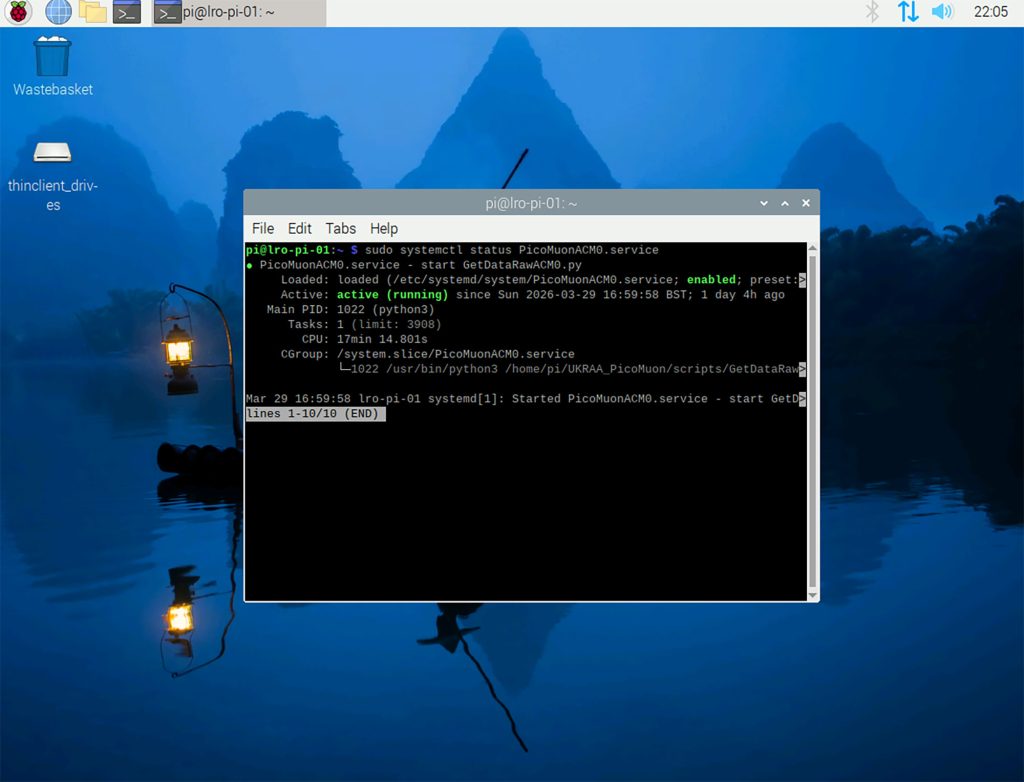
Check GetDataRawACM0 service is running
- To check the status of your service, type the following command and press enter.
sudo systemctl status PicoMuonACM0.service
- To start your service, type the following command and press enter.
sudo systemctl start PicoMuonACM0.service
- To stop your service, type the following command and press enter.
sudo systemctl stop PicoMuonACM0.service
- To enable your service, type the following command and press enter.
sudo systemctl enable PicoMuonACM0.service
- To disable your service, type the following command and press enter.
sudo systemctl disable PicoMuonACM0.service
.
Screenshot below is the Raspberry PI running the UKRAA PicoMuon detector software, confirming that the PicoMuonACM0.service is running and active = result of checking the status of the service by typing the following command and pressing enter: sudo systemctl status PicoMuonACM0.service