
Running Pavel-a hidusb-relay-cmd.exe from USB HID relay software v2.1 (latest 041225) (Win64):
Download from releases on right side on screenshot below the Windows version of the software.
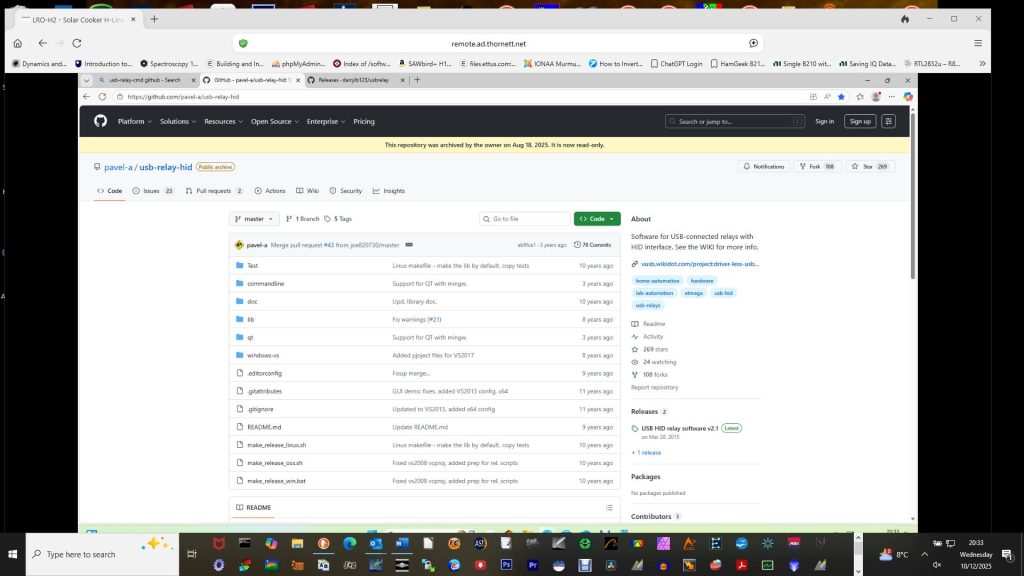
This works on black M6800 laptop AND LRO-PC-11 (Win 11)
Note in both cases the hid USB relay board is NOT recognised as present in device manager (a device with error shows up – no drivers loaded – this is because this device does NOT require drivers to be installed).
The three files from Pavel-a HID USB Github page must be installed in System32 folder inside Windows folder on C: drive.
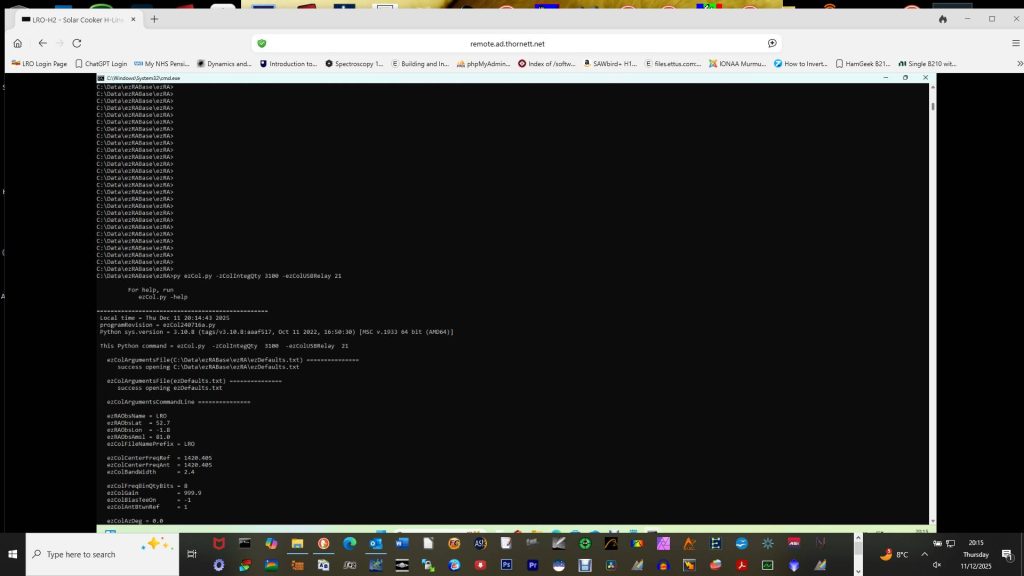
Running ezCol.py with relay parameter:-
(For some reason, ezCol.py not currently working on black M6800)
It DOES work on LRO-PC-11 (Windows 11).
Plugging RTL-SDR V4 into left USB socket with small USB extension on front of LRO-PC-11, and plugging transparent USB extension cable with red connectors at both ends (USB-2 to USB-B), leads to successful turning on and off of relay on 2-relay board when following is run:
Testing 4-relay board purchased couple weeks ago:
Now that I have a working system, I replaced the 2-relay board with 4-relay board and found it generated errors so clearly problem with board and I have thrown it away.
Putting 2-port board back on computer à immediately worked correctly again.
Successfully getting ezCol to work on Windows 11 with coaxial relay:
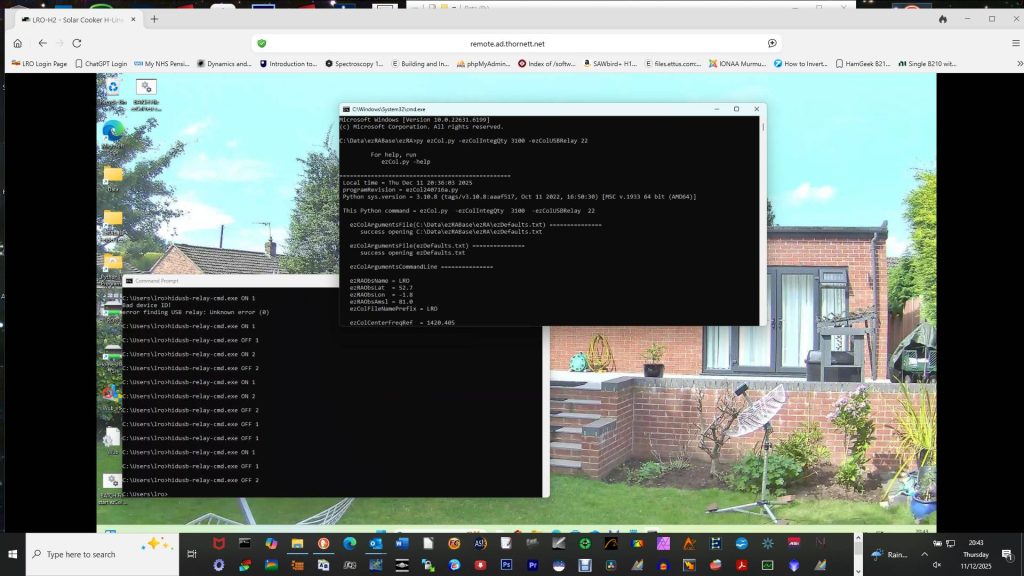
12V Tohtsu 520-D coaxial relay and 5V 2-relay board on Windows 11 on LRO-PC-11.