W49 is a radio source rather than a single visible object. It consists of two main components:
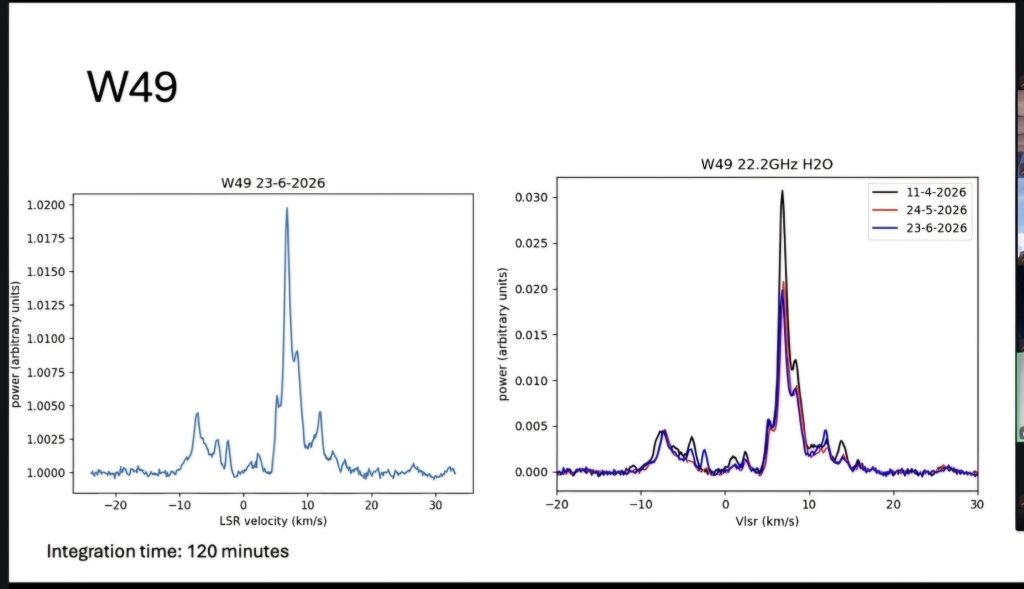
- W49A – a giant star-forming region and one of the brightest radio and infrared sources in the Milky Way. It contains many ultracompact H II regions and numerous strong 22.235 GHz water masers, making it a prime target for amateur water maser observations.
- W49B – a nearby supernova remnant, about 12 arcminutes from W49A.
Most planetarium programs don’t label “W49” by default, but you can usually locate it by searching for one of these nearby catalogue objects:
- W49A
- W49B
Or enter the coordinates of W49A directly:
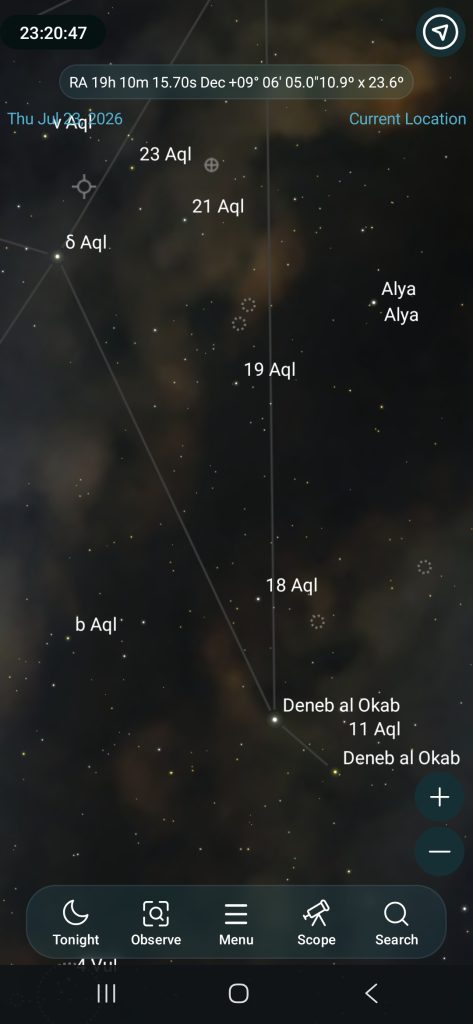
- RA: 19h 10m 15.7s
- Dec: +09° 06′ 05″ (J2000)
If your software doesn’t recognise W49, try searching for the Galactic designation G43.17+0.00, which is another common name for W49A.
In SkySafari Pro, the easiest way to find W49A is not to search “W49” (it may not be in the object database), but to use its catalogue names or coordinates. SkySafari Pro allows searching by catalogue designations and also lets you work from coordinates.
Try this:
- Open Search 🔍
- Enter:
- G43.17+0.00 ← this is the Galactic radio designation for W49A
- or enter coordinates manually:
W49A (J2000):
- RA: 19h 10m 15.7s
- Dec: +09° 06′ 05″
In SkySafari Pro you can also go to Search → Coordinates and enter the RA/Dec directly.
For star hopping, W49A is in:
- Constellation: Aquila (near the border with Sagitta)
- About 1.5° north-east of the star Gamma Aquilae (Tarazed) is a useful visual reference region.
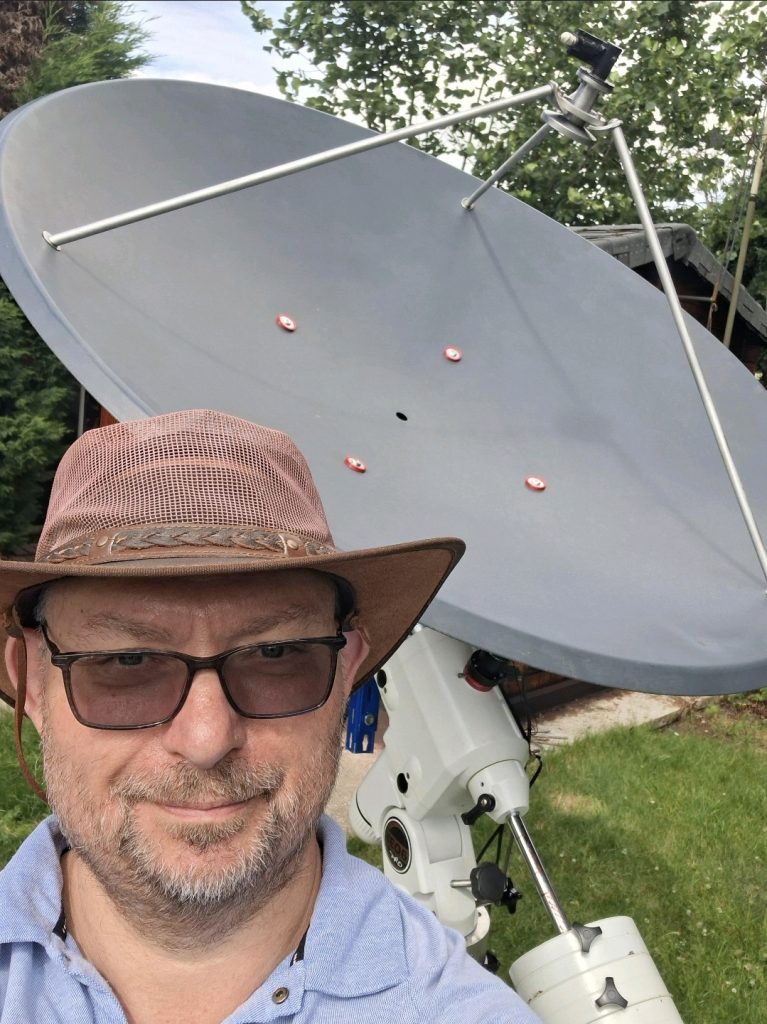
For your 22 GHz water maser setup with the Norsat 9000LDF, W49A is actually a very good target because it has extremely strong water maser emission. Once you centre it in SkySafari, you can use the telescope coordinates or dish pointing software to put the 22.235 GHz line in your beam.
A useful nearby bright reference object for checking your pointing is Altair (α Aquilae):
- RA 19h 50m 47s
- Dec +08° 52′
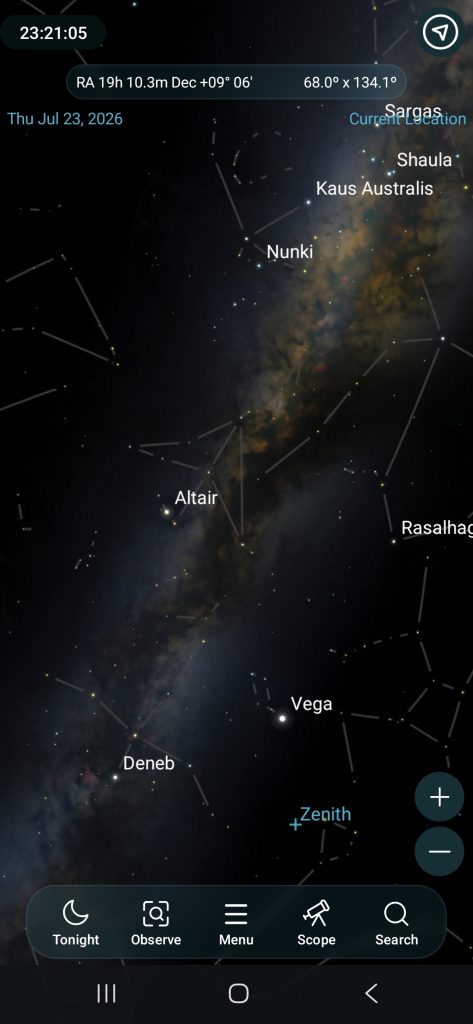
W49A is roughly 10° west of Altair, so it is in a convenient part of the summer Milky Way sky from the UK.
The W49A coordinates are:
RA: 19 10 15.7
Dec: +09 06 05
Make sure:
- RA is entered as hours, minutes, seconds (not degrees).
- Declination has the + sign because it is north of the celestial equator.
If you cannot find a Coordinates option, an alternative is:
- Tap Search
- Enter:
G43.17+0.00or try:W49A
For your 1.2 m dish with the Norsat 9000LDF at 22.235 GHz, after finding it, I would recommend turning on the equatorial grid and zooming in. W49A is a very compact radio source, so the optical sky view will not show anything obvious — the coordinates are what matter.
To enter specific celestial coordinates for W49 (Right Ascension and Declination) in SkySafari 8, use the Scope Control Help feature, the search bar, or the chart center settings.
Entering Target Coordinates (RA/Dec)
- Open the Scope Control menu (telescope icon).
- Tap the More button (three dots).
- Select GoTo RA/Dec to open the coordinate entry panel.
- Type your numbers using decimal format or
HH MM SS.Sfor RA andDD MM SS.Sfor Dec, then tap GoTo.
Centering the Sky Chart Manually
- Go to Settings, then choose Coordinates or Location/Center Coordinates.
- Input your exact Azimuth/RA/Longitude and Altitude/Dec/Latitude values to pan the display directly to that sector.
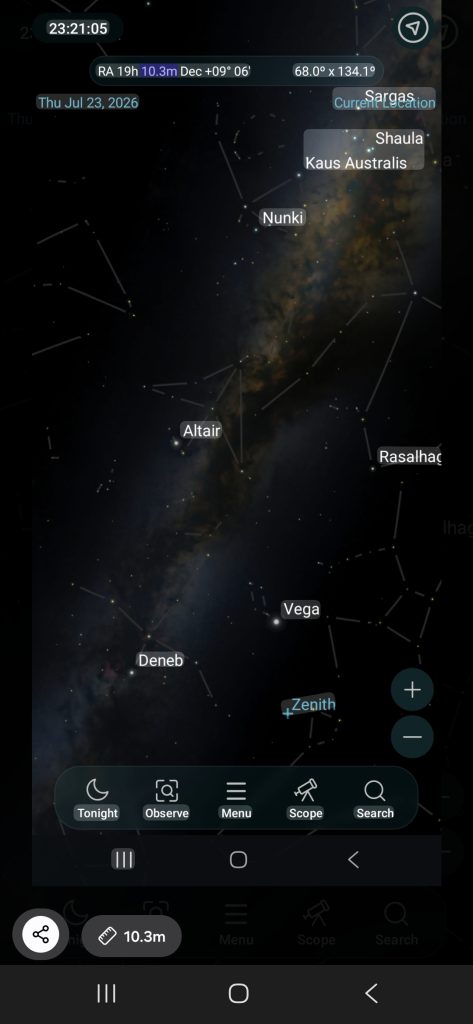
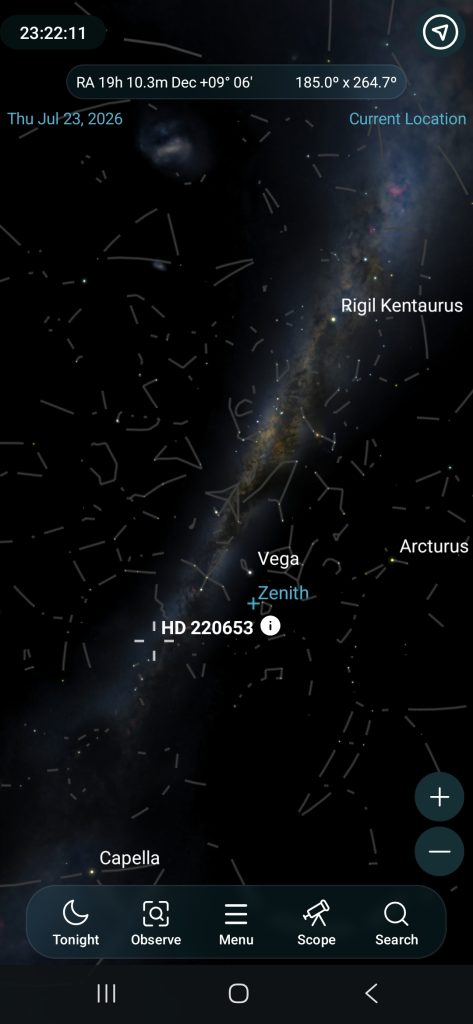
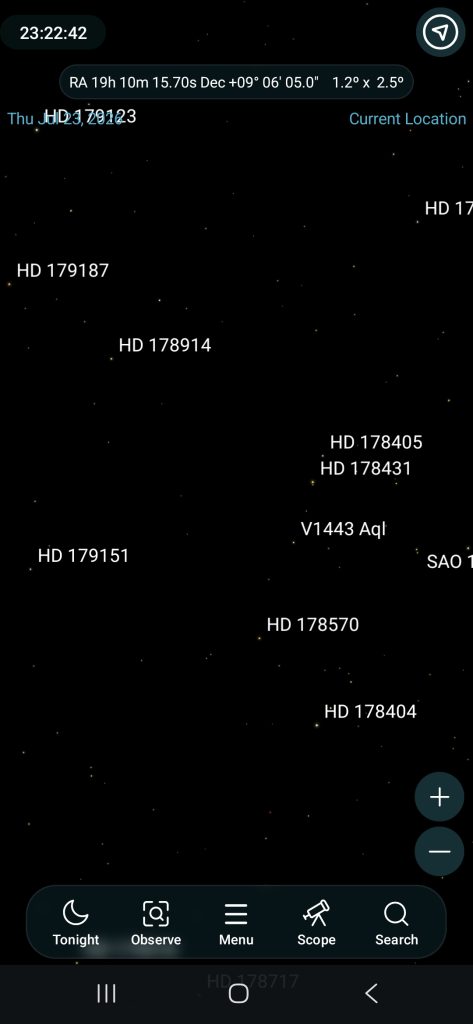
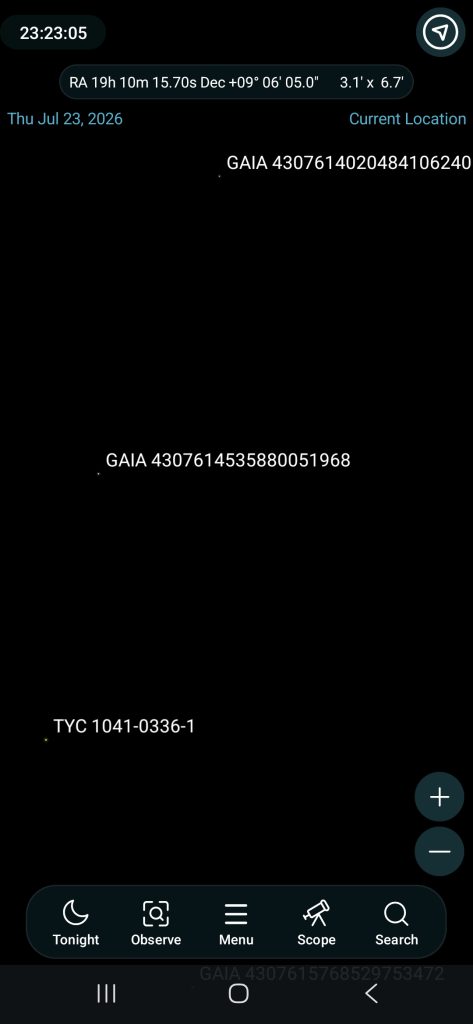
Screenshot from Sky Safari Pro showing W49 location at different scales: